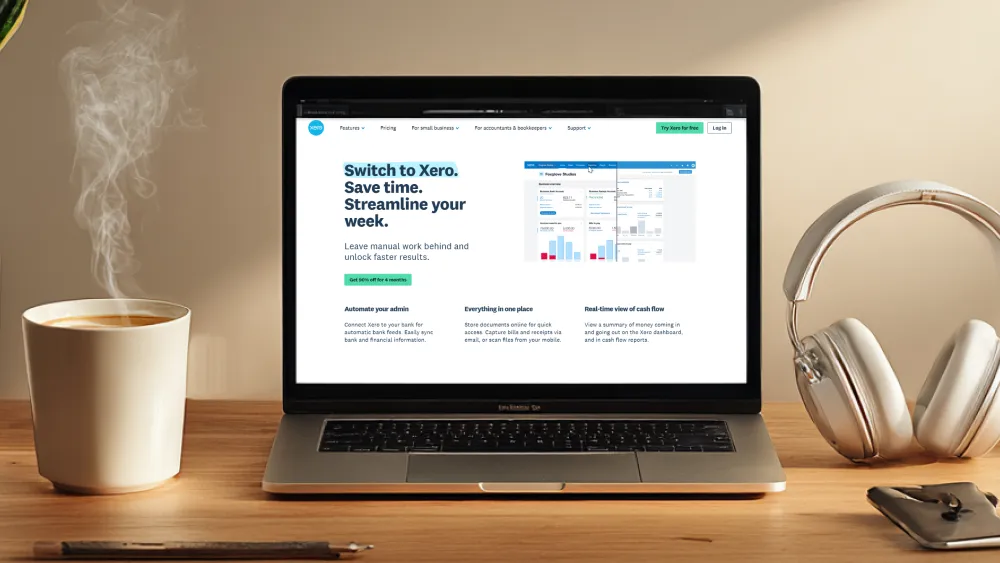
How to Claim 90% Off Xero for 4 Months

How to Claim 90% Off Xero for 6 Months

Follow the steps below to activate your 90% discount through our official Xero partner link.

Step 1 – Use the Official Xero Partner Link

To access the 90% Off offer, you must begin your signup through our partner link.
Using any other link — including the standard 30-day free trial — will not apply the discount.

Step 2 – Complete the Form on the Xero Partner Page

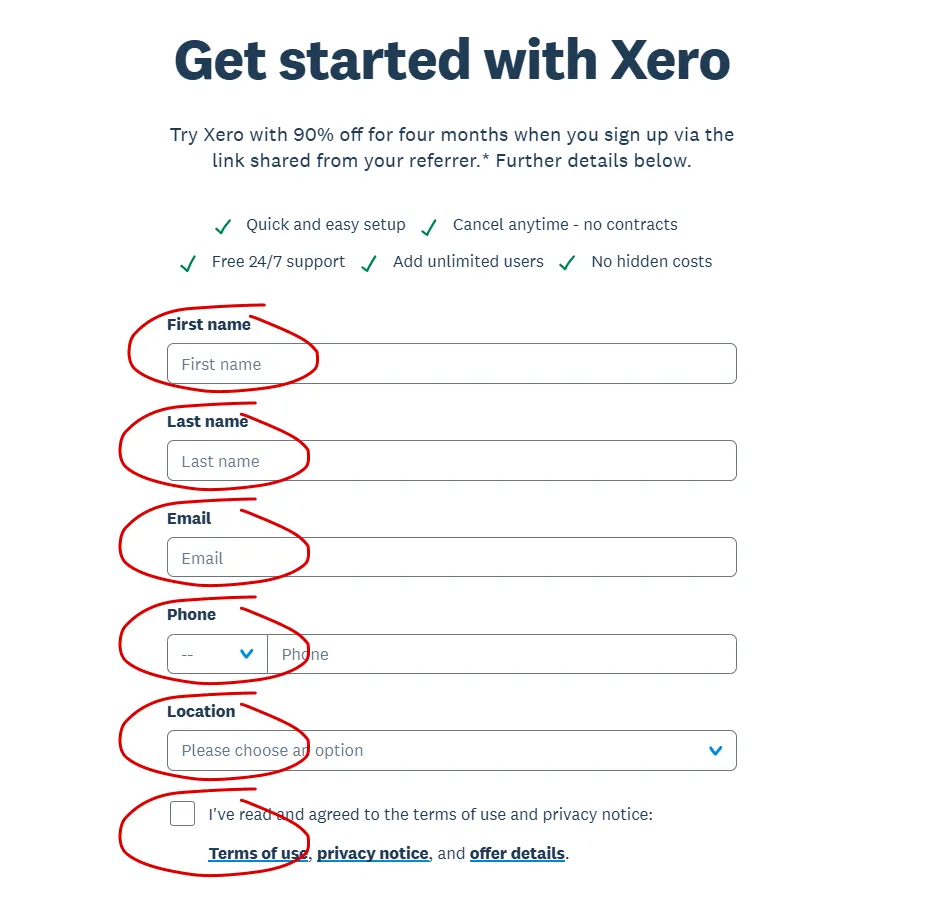
On the landing page, enter the required details:

  • First name
  • Last name
  • Email
  • Phone number
  • Country / location
  • Agree to the terms of use

This is the only way to lock in the partner discount.
Step 3 – Confirm and Get Your Discount

After submitting the form, Xero will guide you through setup.
Your new account will automatically include 90% off for your first six months.

This post may contain affiliate links and we may earn commissions. Learn more in our disclosure. 

Leave a Reply

Your email address will not be published. Required fields are marked *