

Inbox chaos remains one of the costliest distractions for entrepreneurs and businesses, but SaneBox positions itself in 2026 as the AI-driven solution that delivers measurable time savings and an organized, stress-free email experience for professionals of all sizes.
From Launch to 2026: SaneBox’s Evolution
- 2010: SaneBox launches, offering a cloud-based email filtering add-on compatible with all major providers via IMAP/Exchange.
- Mid-2010s: Introduction of AI-powered algorithms for smarter inbox sorting, first wide adoption among tech-forward consultants and SMBs.
- 2018–2022: Feature set expands with BlackHole, Snooze, and Reminder tools, and an increasing emphasis on GDPR, security, and privacy controls.
- 2023–2026: SaneBox cements its position as a best-in-class email management SaaS for SMBs and larger teams, with an independently audited security posture and cloud-native integration across email clients (Gmail, Outlook, Apple Mail, Yahoo, Fastmail, and more).
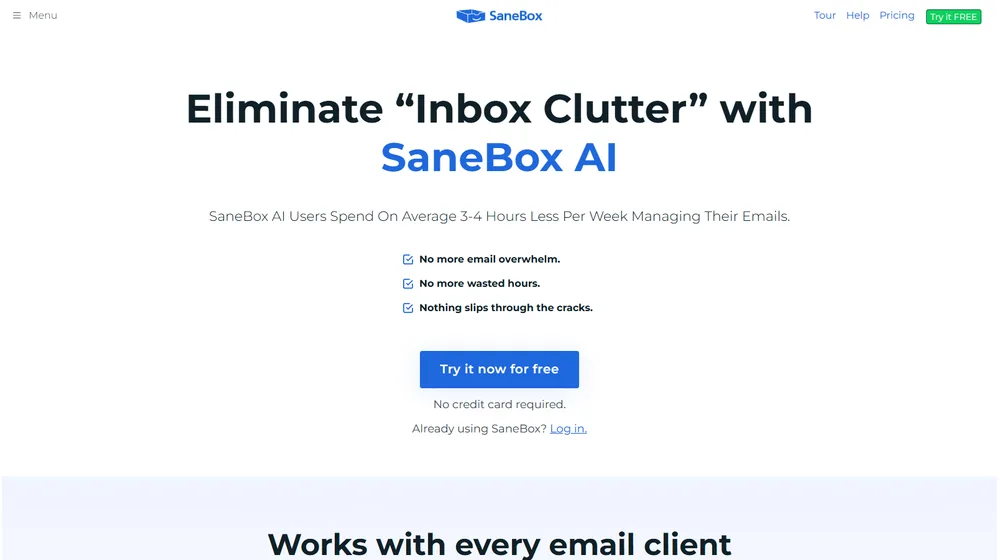
Key Features: What Does SaneBox Offer?
- AI-powered inbox filtering: automatically moves unimportant emails to folders like SaneLater, surfacing priority mail first.
- BlackHole tool: one-click unsubscribe from unwanted senders—future emails skip your inbox completely.
- Reminders & follow-up: get nudged if someone doesn’t reply, or set time-based reminders for yourself.
- Daily Digest: a single summary of non-urgent messages, to minimize distractions.
- Snooze emails: temporarily hide emails until you’re ready to respond.
- Deep compatibility: works with Gmail, Outlook, Apple Mail, Yahoo! Mail, Fastmail, Exchange, and any IMAP/ActiveSync server—no plugin or app installation required.
- Privacy focus: never reads complete email content, only uses meta-data (sender, subject, date), with strong encryption and OAuth-based access/revocation.
- Multi-device access: 100% cloud-based—works on desktop, mobile, iOS, Android, and webmail.


Workflow & User Experience
- Onboarding: Connects to your mail provider in minutes via cloud authentication; creates “Sane” folders to instantly sort incoming mail.
- User actions: Train the AI by dragging misclassified messages. Quick toggles for snoozing, unsubscribing, or setting reminders, all from your inbox.
- Digest: Receive a daily email summary of low-priority messages; declutter without missing important updates.
- Integrates natively with existing clients: You don’t have to switch apps or learn new software—SaneBox sits invisibly atop your current workflow.
SaneBox Plans & Pricing
| Plan | Key Features | Pricing |
|---|---|---|
| Snack | AI filtering, BlackHole, Reminders, 1 email account, standard folders | from $7/mo (billed yearly) |
| Lunch | All Snack features + Daily Digest, multiple email accounts, extra folders | from $12/mo (billed yearly) |
| Dinner | All Lunch features + advanced folders, priority support, more integrations | from $25/mo (billed yearly) |
SaneBox vs Email Management Alternatives
| Solution | Best For | Differentiators | Pricing |
|---|---|---|---|
| SaneBox | Entrepreneurs, SMBs, busy professionals | AI filtering, strong privacy, works with all providers, advanced unsubscribe tools | From $7/mo |
| Clean Email | Personal use, basic filtering | Batch cleaning, automation, simpler UI | From $9.99/mo |
| Unroll.me | Subscription cleanup | One-click unsubscribe rollup; limited privacy assurances | Free (ad-supported) |
| Outlook Focused Inbox | Microsoft ecosystem | Built-in, no AI learning for non-Outlook | Included in Microsoft 365 |
Pro Tip: For highest productivity gains, pair SaneBox with email rules and keyboard shortcuts in your primary client to hit true inbox zero every day.

Integrations & Security
- Compatible with any IMAP, Microsoft 365, Gmail, Yahoo, Apple Mail, Fastmail, and AOL accounts. Connects without installation or downloads—pure cloud SaaS.
- OAuth and token-based connections: your credentials are never stored in plaintext. Easily revoke SaneBox access at any time.
- Annual security audits, Google Partner verification, continuous testing through third-party (including HackerOne).
Pros & Cons
| Pros | Cons |
|---|---|
|
|
Final Thoughts
For SMB founders, agency owners, and busy professionals, SaneBox sets the standard for AI-powered, privacy-protecting email management. By eliminating routine triage and surfacing what matters, SaneBox delivers a measurable productivity boost and an immediate perception of calm in the inbox. With clear pricing, best-in-class support, and a proven evolution through 2026, SaneBox is a strong long-term bet for teams serious about digital focus and efficiency.
SaneBox FAQ
Yes, SaneBox meets GDPR standards and supports HIPAA on eligible plans via a signed BAA upon request.
Yes. SaneBox works with Gmail, Outlook, Yahoo, Apple Mail, Fastmail, most IMAP/Exchange providers, and ActiveSync servers.
Ideal for solopreneurs, small-to-midsize teams, executives, and anyone seeking to reclaim hours per week from email distractions.
No. SaneBox enhances your existing inbox with smart folders and tools; you keep working in your preferred client.
All plans include email/chat support and robust documentation. Premium plans offer priority response and onboarding assistance.




