

VisualCV is positioning itself as the essential online résumé and portfolio platform, evolving to deliver even more sophisticated branding, collaboration, and analytics features by 2026. For SMBs, professionals, and entrepreneurs, VisualCV promises to be an all-in-one career toolbox—saving time, boosting personal brands, and enabling smarter career decisions.
From Launch to 2026: The VisualCV Timeline
- 2013–2018: VisualCV emerges as a user-friendly online CV builder focused on professional templates and web-based portfolios.
- 2019–2022: Significant UI/UX updates, new collaboration tools, dynamic analytics, and mobile accessibility. Customization and sharing options expand.
- 2023–2024: Advanced template gallery, real-time feedback, multi-format export, and premium branding controls. SaaS integrations begin to roll out.
- 2025–2026 (roadmap): AI-powered content guidance, data-driven career recommendations, deep integration with HR and recruitment ecosystems, and expanded team/workspace support.
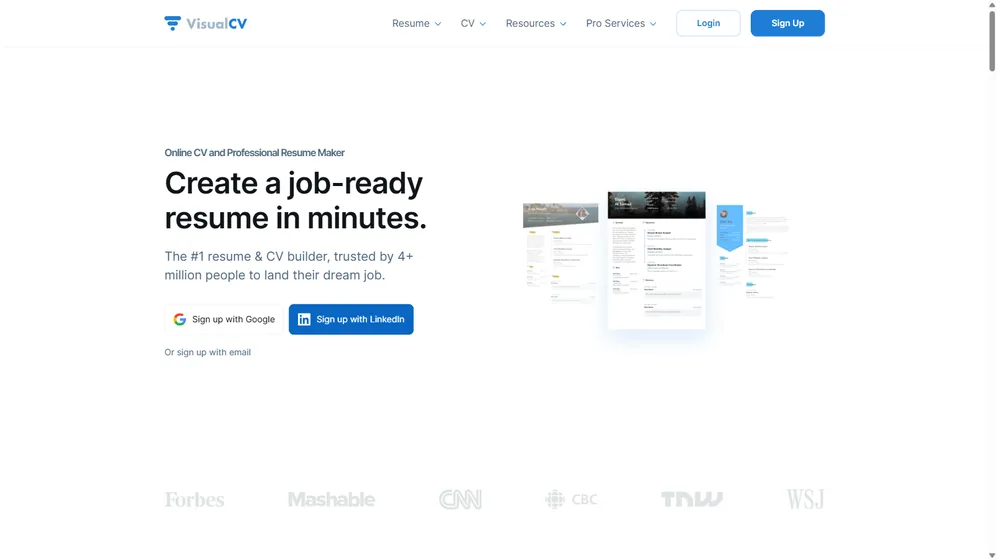
Key Features
- Modern CV & résumé builder with drag-and-drop interface
- Extensive library of professionally designed templates
- Advanced branding tools: custom domains, logo support, color palettes
- One-click PDF/download, web-hosted portfolio, and multi-format export
- Real-time analytics: see who views, downloads, or interacts with your CV
- Team accounts for agencies, staffing firms, and SMBs
- Collaboration & sharing: invite feedback, co-edit, and version control
- Intuitive dashboard with goal tracking and progress stats
- Growing list of integrations with LinkedIn and recruiting tools
- Candidate tracking, cover letter generation, and interview prep modules (premium)


Workflow & UX
- Sign up in minutes with Google or email; start from scratch or import your LinkedIn profile
- Choose from dozens of templates or tailor your own layout via flexible controls
- Preview in real time on both desktop and mobile before publishing or sharing
- Invite team members or external reviewers to co-edit or provide feedback
- Download instantly as PDF, web CV, or share via private/public link
VisualCV Pricing
| Plan | Key Features | Pricing |
|---|---|---|
| Free | 1 active CV, basic templates, limited export options, VisualCV branding | $0/month |
| Pro | Unlimited CVs, premium templates, download PDF/Word, analytics, support | $18/month (billed monthly) or $12/month (annual) |
| Pro Plus (Team) | All Pro features, team workspace, advanced analytics, user management | Custom/Quote |
VisualCV vs Alternatives
| Feature | VisualCV | Zety | Novoresume |
|---|---|---|---|
| Template Library | Extensive, modern, customizable | Large, less flexible | Modern, fewer options |
| Branding/White-label | Custom domains, logo, colors | No | Limited |
| Analytics & Tracking | Real-time, actionable | No | No |
| Team/Agency Support | Yes (Team plan) | No | No |
| Integrations | LinkedIn, Google, recruiting tools | Basic | Basic |
| Pricing | Free & Paid Tiers | Paid Only | Freemium |
Pro Tip: For agencies or teams that manage multiple client portfolios, VisualCV’s team features and analytics offer visibility no single-user tool can match.

Integrations
- LinkedIn import/export for seamless CV updates and job applications
- Google Drive and Dropbox for cloud storage of documents
- ATS/recruiting tools integration roadmap for 2025
Pros & Cons
| Pros | Cons |
|---|---|
|
|
Final Thoughts
VisualCV stands out in a crowded market with its focus on branded career assets, collaborative workflows, and actionable analytics. Its evolution through 2026 points to deeper integrations and AI-driven insights, making it a solid choice for both individuals and teams seeking to elevate their professional presence. For those looking for robust résumé management and personal branding, VisualCV offers flexibility, scalability, and a forward-looking product roadmap.
VisualCV FAQ
Yes, it meets GDPR standards and supports HIPAA via a signed BAA on eligible plans.
Yes, white-label portals support your domain, favicon, and brand visuals.
Ideal for consultants, service firms, and SMBs needing streamlined collaboration.
No—integrates with both. Stripe powers payments; QuickBooks handles accounting.
All plans include chat/email; premium tiers add onboarding and 1:1 setup help.




