

For SMB owners and SaaS buyers planning their next CRM investment beyond the basics, Nutshell stands out with a pragmatic, agile approach and strong roadmap momentum towards 2026.
From Launch to 2026: The Nutshell Timeline
- 2010s: Founded to simplify sales pipeline management for small business.
- 2020: Broadened with marketing automation, workflow visualizations, and reporting.
- 2024: Focus on user experience, integrations, AI-driven recommendations, and mobile.
- 2025–2026: Anticipates advanced partner integrations, automation workflows, deeper analytics, and a sharpened self-serve onboarding engine.
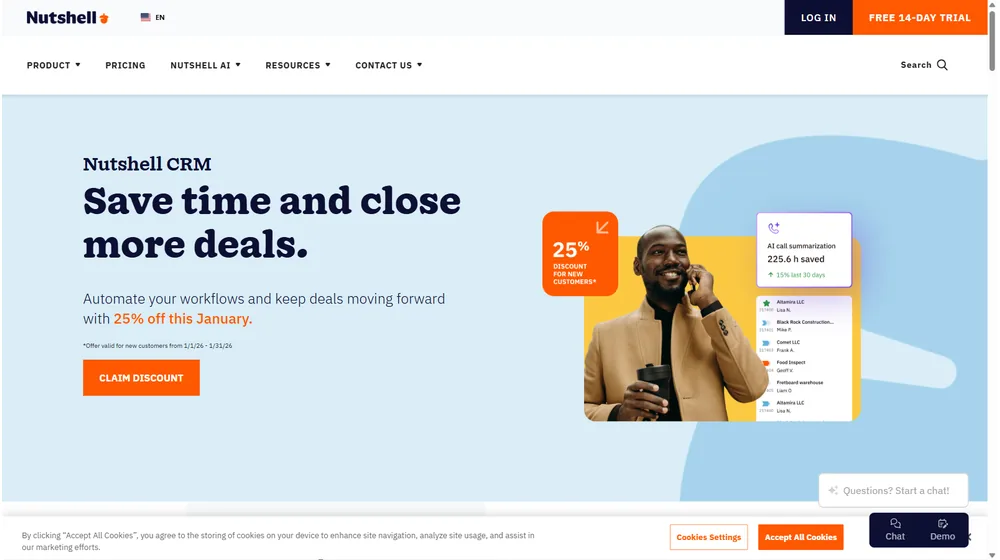
Key Features: Capability Overview
- Customizable sales pipelines with drag-and-drop stages
- One-click lead and contact import
- Powerful reporting: funnel, sales forecasting, win/loss analysis
- Email automation, tracking, and click-to-call
- Built-in team collaboration and assignment tools
- Full-featured mobile app
- Robust contact management and activity timelines
- API and popular integrations: Google Workspace, Outlook, Slack, and Mailchimp
- Lead capture forms and simple web-to-lead automations
- AI recommendations for next actions (in higher tiers)


Workflow & User Experience
- Intuitive, color-coded dashboards emphasize what matters now
- Minimal learning curve for sales and support teams
- Zero-code automation recipes for common SMB use cases
- Robust permissions: segment teams or restrict pipeline visibility
- Real-time sync with your calendar, contacts, and email
Nutshell Pricing
| Plan | Key Features | Pricing |
|---|---|---|
| Starter | Basic CRM, pipelines, native integrations, mobile app | $19/user/mo |
| Pro | Email automation, advanced reporting, workflow automation | $35/user/mo |
| Enterprise | Custom roles, advanced analytics, priority support, API | $49/user/mo |
Nutshell vs Competitors
| Feature | Nutshell | HubSpot | Zoho CRM | Pipedrive |
|---|---|---|---|---|
| Ease of use | High | Medium | Medium | High |
| Pipeline customization | ✔ | ✔ | Limited | ✔ |
| Marketing automation | Built-in | Powerful (higher tiers) | Optional | Basic |
| Support quality | Top-rated | Mixed | Self-serve bias | Email only |
| Integrations | G Suite, Microsoft, Slack, Mailchimp | Vast | Significant | Strong |
| Best for | SMBs wanting simplicity & scalability | Large teams | Value buyers | Sales-focused orgs |
Pro Tip: If you’re migrating from spreadsheets or a legacy CRM, Nutshell’s concierge import service and rapid onboarding resources compress setup time to days—not weeks.

Integrations
- Google Workspace (Calendar, Contacts, Drive)
- Outlook & Office 365
- Slack
- Mailchimp
- Zapier and open API for custom flows
- QuickBooks (via third-party)
Pros & Cons
| Pros | Cons |
|---|---|
|
|
Final Thoughts
In the evolving CRM space, Nutshell secures a strong position among SMB-first solutions prioritizing ease of use, automation, and scaling value. For entrepreneurs and SMB teams looking for a CRM that just works—without overwhelming options or prohibitive costs—Nutshell is well worth a look through 2026 and beyond.
Nutshell FAQ
Yes, it meets GDPR standards and supports HIPAA via a signed BAA on eligible plans.
Yes, white-label portals support your domain, favicon, and brand visuals.
Ideal for consultants, service firms, and SMBs needing streamlined collaboration.
No—integrates with both. Stripe powers payments; QuickBooks handles accounting.
All plans include chat/email; premium tiers add onboarding and 1:1 setup help.




