
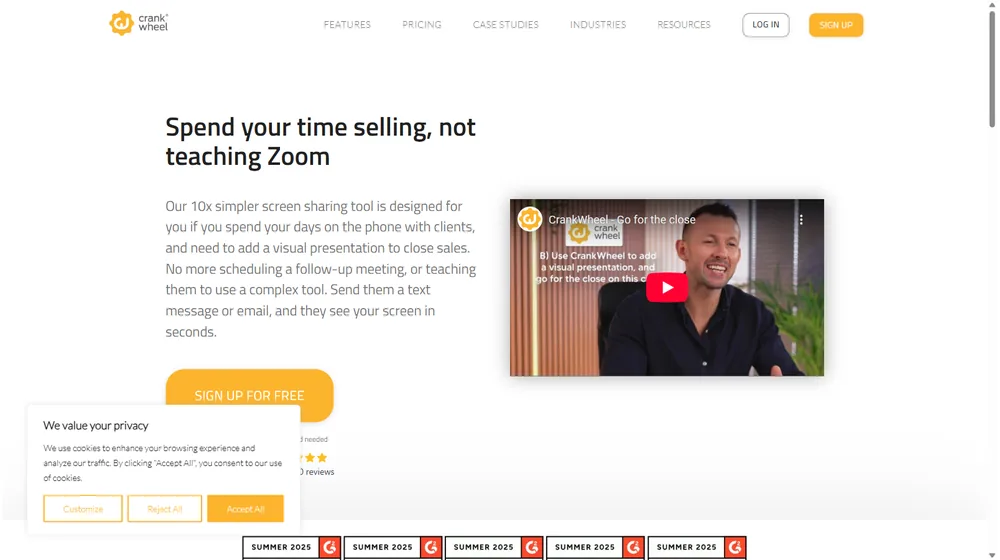
CrankWheel has positioned itself in 2026 as a specialist screen sharing platform built for sales teams who spend their days closing deals by phone. If you’re seeking a tool to instantly showcase your offer to prospects—without teaching Zoom, scheduling meetings, or risking technical delays—CrankWheel aims to shorten your sales cycle and boost conversion rates through instant, no-download sharing to any device.
From Launch to 2026: The CrankWheel Growth Story
- 2015–2016: CrankWheel launches to address friction in telesales and remote client demos, focusing on instant browser-based screen sharing.
- 2018–2020: Adds mobile support, instant meeting links via SMS/email, and no-download viewing. Gains ground with insurance, marketing, and fintech SMBs.
- 2021–2024: Product expands with features like sales video recording, engagement tracking, remote control, and advanced branding options. Usage crosses 50,000 business users.
- 2026: CrankWheel is recognized as a leading G2-category winner and sales enablement staple, focused on providing ultra-simple screen sharing as a sales conversion accelerator. Product roadmap doubles down on integrations and white-label usage for channel partners.
Key Features
- Instant Screen Sharing: Share browser tabs, windows, or your full desktop—no download or registration required for viewers. Recipients join by SMS, email or link on any device.
- Remote Control: Enable prospects to interact with web forms or demos in real time, keeping them engaged and in control while the presenter guides the experience.
- Sales Video Platform: Create and send animated instant demo videos, record screen walkthroughs or webcam clips, and track engagement metrics when prospects open/view.
- Lead Capture Widgets: Embed “Call Me Now” or screen share request buttons onto your site, routing inbound requests to available agents in real-time.
- Engagement & Analytics: Monitor real time client activity—see when prospects are viewing, interacting, or disengaging.
- Branding and Compliance: Customizable viewer interface, consent forms, white-labeled portals, and options for verticals needing specific compliance (e.g., insurance, finance).
- Multi-language & Device Support: Full support for non-English sales teams (e.g. German, Spanish), and works on all popular browsers and mobile devices.


Workflow & User Experience
- One-click screen sharing from Chrome, Edge, or browser plugin.
- Send joining link by SMS or email—prospect clicks and instantly views presenter’s screen in their browser.
- Presenter maintains control—can switch between full screen, app window, or browser tab on the fly.
- No viewer install or IT setup required: works on locked-down company machines and all smartphones.
- Optional: enable remote control or guide prospect to complete forms together.
- Session insights show if prospect is active, idle, or switching away.
- Session and video replays tracked for analytics and sales process improvement.
CrankWheel Pricing
| Plan | Key Features | Pricing (2026) |
|---|---|---|
| Free | Instant screen sharing, unlimited viewers, usage-limited, basic branding | $0 (forever, limited use) |
| Professional | Sales videos, instant demos, engagement analytics, SMS invites, custom branding, integrations | $75/user/mo (est.) |
| Enterprise | Full white-label, API, advanced controls, compliance, SSO, custom integrations, premium support | Custom |
CrankWheel vs Key Competitors
| Feature | CrankWheel | Zoom/Google Meet | TeamViewer |
|---|---|---|---|
| Instant, no-download viewer | Yes (browser only, SMS/email link) | No (install required or long meeting link) | No (install required) |
| Designed for sales/telesales | Yes | General meetings | IT support focus |
| Remote control | Optional—form-fill and handover | Limited (permissions + cumbersome) | Full device control |
| Sales video library | Built-in animated demos, playback analytics | None | None |
| Mobile device viewer | Optimized for mobile, SMS invites | Works, but less optimized | Viewer app required |
| Pricing | $0+ per user | $15+ per host | $24+ per seat |
Pro Tip: If your prospects struggle with meeting technology, CrankWheel lets you share visuals in under 10 seconds—no setup, no app, and no confusion.

Integrations
- Chrome, Edge, and browser plugins for effortless presenter workflow
- API-based integrations for lead capture widgets, CRMs and web portals (enterprise tier)
- Custom consent forms for regulated industries (e.g., ACA Marketplace in insurance)
- Embedding and white-label deployment for partners and agencies
Pros & Cons
| Pros | Cons |
|---|---|
|
|
Final Thoughts
For sales-driven teams who repeatedly face “just email it to me” or technical roadblocks from prospects, CrankWheel delivers a clear, focused advantage over generic conferencing tools. Its no-hassle, no-download experience removes a major roadblock in remote selling, especially to less tech-savvy customers. SMBs and high-velocity sales teams needing speed, reliability, and customer-centric design will find CrankWheel’s focused functionality and fast ROI hard to match.
CrankWheel FAQ
Yes, it meets GDPR standards and supports HIPAA via a signed BAA on eligible plans.
Yes, white-label portals support your domain, favicon, and brand visuals.
Ideal for consultants, service firms, and SMBs needing streamlined collaboration.
No—it’s purpose-built for instant, visual sales demos, but can complement your existing video call stack.
All plans include chat/email; premium tiers add onboarding and 1:1 setup help.




